

Invoice read
Reads invoice status, currency, total, amount paid, amount due, period timestamps, and update timestamps for the installed account.


Integrations / Stripe
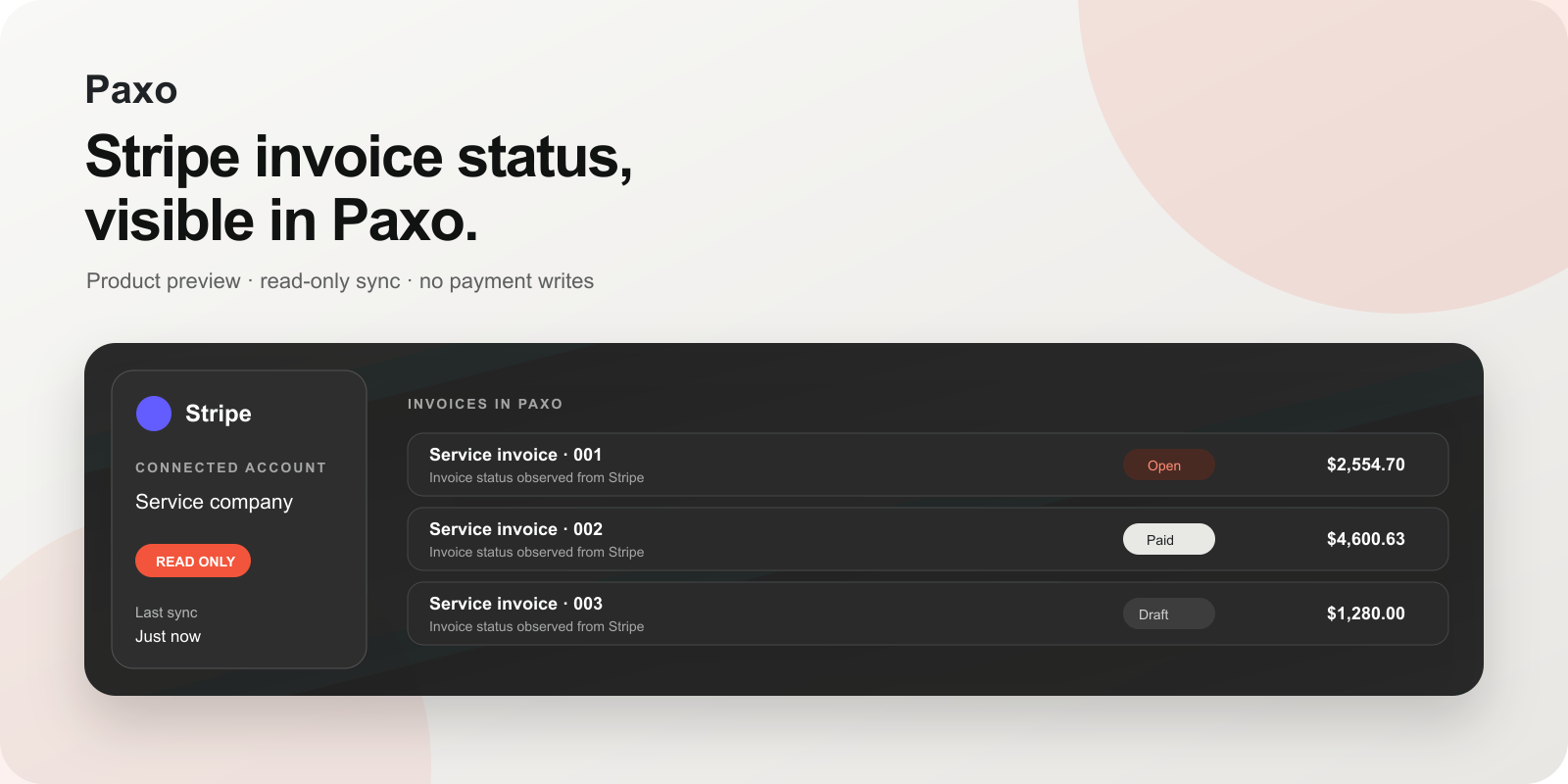
Bring Stripe invoice status and totals into your workspace. A read-only connection that keeps your team informed while billing stays in Stripe.
Public Marketplace review pending
For the account and workspace you choose.
Integration overview · no payment writes
Setup
Authorization happens on Stripe. Paxo stores rotating OAuth credentials in its connector vault and keeps credentials out of browser responses and application logs.
A workspace owner opens Integrations, selects Stripe, and starts the Stripe-hosted authorization flow.
Stripe shows the exact account and permissions. Paxo requests invoice-read and event-read access only.
Paxo shows bounded invoice status, currency, totals, and observed timestamps in the connected workspace.
Permissions
Reads invoice status, currency, total, amount paid, amount due, period timestamps, and update timestamps for the installed account.
Accepts signed Stripe event notifications so Paxo can queue a fresh read and reconcile changes. Replayed or invalid signatures are rejected.
Paxo cannot create or edit invoices, create payment links, charge a payment method, issue a refund, or write customer data through this integration.
Disconnect
In Paxo, open Integrations → Stripe and choose Disconnect. Paxo immediately disables its stored connection and stops future synchronization.
To revoke Stripe-side authorization, open the Stripe Dashboard, go to Settings → Installed apps, select Paxo, and uninstall it. Previously synchronized business records stay subject to the workspace's retention and export controls.
FAQ
No. Version 0.1.0 is read-only.
Signed events can wake a reconciliation run, and Paxo also performs bounded background reads. The latest successful observation time stays visible in the integration detail.
No. Payment credentials and full payment-method details are outside this integration's permissions and projection.
Not yet. The integration is undergoing Stripe's external test and public Marketplace review process.
Support
Tell us the account and what you expected.
Do not send API keys, OAuth tokens, full card details, or private document contents. Include the visible error, approximate time, and your Paxo workspace name.